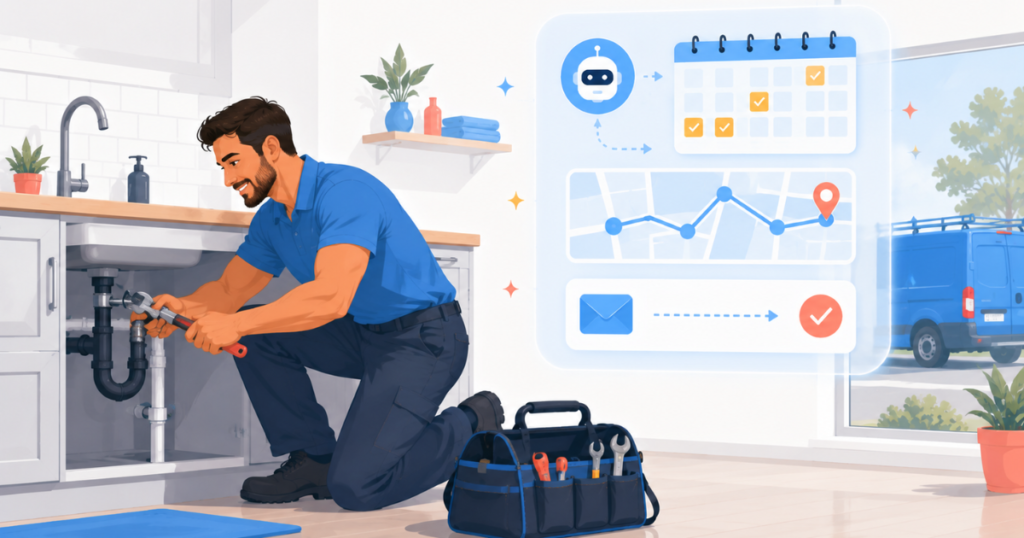
If you’re running a plumbing business, you already know the feeling: your phone rings while you’re elbow-deep in a crawl space, a customer wants to reschedule, and somehow you’re also supposed to be dispatching a technician across town. The scheduling juggle alone costs small plumbing operations thousands of dollars a year in missed calls, double-bookings, and wasted drive time. The good news? Learning how to use AI scheduling for plumbers can eliminate most of that chaos — and you don’t need to be a tech wizard to make it work.
AI scheduling tools have matured rapidly. Today’s platforms don’t just let customers book online — they optimize routes, send automated reminders, handle rescheduling, and even predict job durations based on historical data. For a plumbing business with two technicians or twenty, that means fewer no-shows, tighter routes, and a front office that practically runs itself. In this guide, we’ll walk you through exactly how these tools work, what to look for, and which five platforms are genuinely worth your time and money in 2026.
- Why AI Scheduling Is a Game-Changer for Plumbers
- What to Look for in an AI Scheduling Tool
- 1. Housecall Pro — Best Overall for Plumbing Businesses
- 2. Jotform — Best for Custom Intake Forms & Booking Workflows
- 3. Jobber — Best for Field Team Management
- 4. ServiceTitan — Best for Larger Plumbing Operations
- 5. Zoho Bookings — Best Budget-Friendly Scheduling Option
- Quick Comparison Table
- The Bottom Line
- Frequently Asked Questions
Why AI Scheduling Is a Game-Changer for Plumbers
Traditional scheduling for a plumbing business looks like a whiteboard, a spreadsheet, or — in many cases — a sticky-note system that only the owner can decipher. It works until it doesn’t. When a technician calls in sick, a job runs long, or a customer cancels last minute, the whole day can collapse like a burst pipe.
AI scheduling for plumbers solves this by automating the decisions that eat up your time. According to a McKinsey report on field service automation, businesses that adopt intelligent scheduling tools reduce unproductive technician time by up to 25%. For a plumbing company where each truck represents significant overhead, that’s a direct impact on your bottom line.
Here’s what AI scheduling actually does in practice:
- Smart booking windows: Customers book online, and the system only shows times that make geographic and workload sense — no more sending a tech from the north side to the south side and back again.
- Automated reminders: The software texts and emails customers before their appointment, cutting no-show rates dramatically.
- Real-time rescheduling: When a job runs long, AI tools automatically adjust downstream appointments and notify affected customers.
- Job duration prediction: Over time, these platforms learn how long specific job types take for your crew, building more realistic schedules.
- Dispatch optimization: Some platforms factor in traffic, technician skill sets, and parts availability before assigning a job.
If you’re already using automation in other parts of your business, you’ll appreciate how scheduling AI ties into tools you may already rely on. For a broader look at what automation can do for your trade business, check out our guide on the Best AI Automation Tools for Plumbers in 2026.
What to Look for in an AI Scheduling Tool for Your Plumbing Business
Before you commit to any platform, here are the features that actually matter for a plumbing operation:
- Mobile-first design: Your techs are in the field, not at a desk. The app needs to work flawlessly on a phone.
- Customer self-booking: An online booking portal saves you phone time and captures leads 24/7.
- Automated notifications: SMS and email reminders for customers and techs alike.
- Dispatch and routing: Ideally, the tool should map-optimize job order for each technician.
- Integration with invoicing/CRM: Scheduling shouldn’t exist in a silo — it should connect to your billing, customer records, and marketing.
- Customizable intake forms: Capturing job details upfront (type of issue, property age, photos) means techs arrive prepared.
- Pricing transparency: Scalable pricing matters — you shouldn’t pay enterprise rates when you’re a three-truck shop.
With those criteria in mind, here are the five best tools for implementing AI scheduling for plumbers in your business today.
1. Housecall Pro — Best Overall AI Scheduling for Plumbers
Best for: Small to mid-sized plumbing businesses that want an all-in-one platform with robust scheduling, dispatch, and customer communication built in.
Housecall Pro is the gold standard when it comes to AI scheduling for plumbing businesses. Built specifically for home service contractors, it combines intelligent scheduling, real-time dispatch, automated customer communications, and invoicing under one roof. Unlike generic scheduling tools, Housecall Pro understands the rhythms of a trade business — job buffers, travel time, multi-tech dispatch, and recurring service agreements.
The platform’s AI-powered features have expanded significantly in recent years. The “HCP Assist” functionality uses automation to follow up with leads who requested estimates but didn’t book, reschedule no-shows automatically, and surface job history before a technician arrives. The drag-and-drop dispatch board gives your office staff (or you, if you’re wearing that hat) a clear visual of every tech’s day, with color-coded job statuses that update in real time from the field.
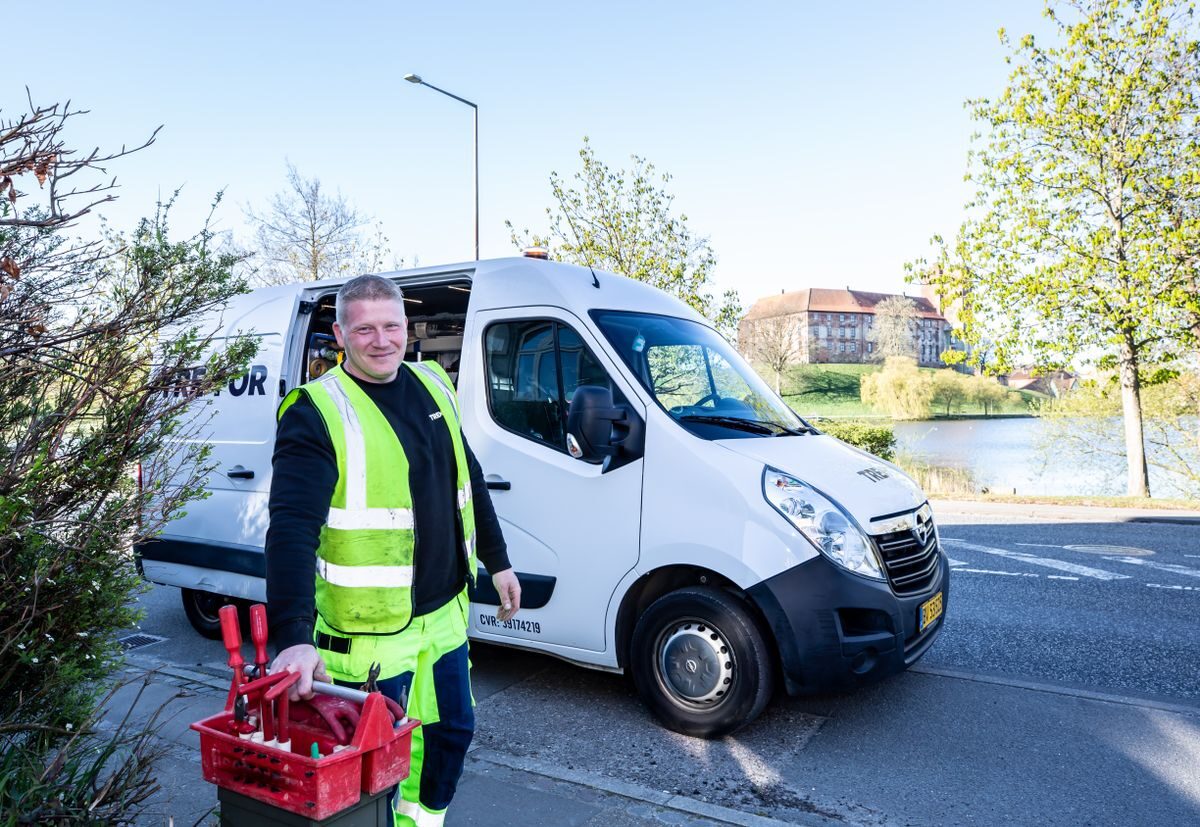
Customers get a branded booking experience — they can request appointments online, choose service types, and receive automatic confirmations and reminders via text and email. When jobs are completed, Housecall Pro can automatically trigger a review request, feeding your Google Business Profile with fresh ratings. For a plumbing company trying to dominate local search, that’s not a small thing.
On the integration side, Housecall Pro connects with QuickBooks, and its open API supports broader automation stacks. If you’re using email marketing to stay in front of past customers, it pairs well with the strategies covered in our How to Use AI Email Marketing for Contractors guide.
Key Features
- AI-powered dispatch board with drag-and-drop scheduling
- Online customer booking portal with service type selection
- Automated SMS/email reminders and follow-ups
- GPS technician tracking from the mobile app
- Recurring job and maintenance agreement management
- Integrated invoicing, estimates, and payment processing
- Automated review request sequences post-job
- QuickBooks integration for accounting sync
Pricing
Housecall Pro starts at approximately $79/month for the Basic plan (1 user), with the Essentials plan at around $189/month for up to 5 users. The MAX plan (unlimited users, full feature set) is custom-priced. A free trial is available.
2. Jotform — Best for Custom Intake Forms and Smart Booking Workflows
Best for: Plumbers who want highly customizable job intake forms, automated data collection, and AI-powered appointment workflows without paying for a full field service platform.
Jotform might surprise you on this list — it’s not a traditional scheduling tool — but for plumbing businesses, it solves a specific and costly problem: gathering the right information before a technician ever rolls up to a job. Most plumbing service calls get booked with vague descriptions (“the sink is broken”), which means techs show up underprepared, jobs take longer, and follow-up trips eat into profit margins.
Jotform’s AI-powered form builder lets you create detailed service request forms that guide customers through exactly the information you need — type of issue, location in the home, age of fixtures, ability to upload photos, preferred time windows, and more. These forms can be embedded on your website, shared via link, or even sent automatically as part of an intake workflow. The result is richer job data before you ever pick up the phone.
The platform’s newer Jotform AI Agents feature takes this further, enabling conversational intake experiences where a virtual agent asks follow-up questions dynamically based on prior answers. A customer who says “my water heater is leaking” gets different follow-up questions than one who says “slow drain in the kitchen” — making the intake smarter and more efficient for your dispatchers.
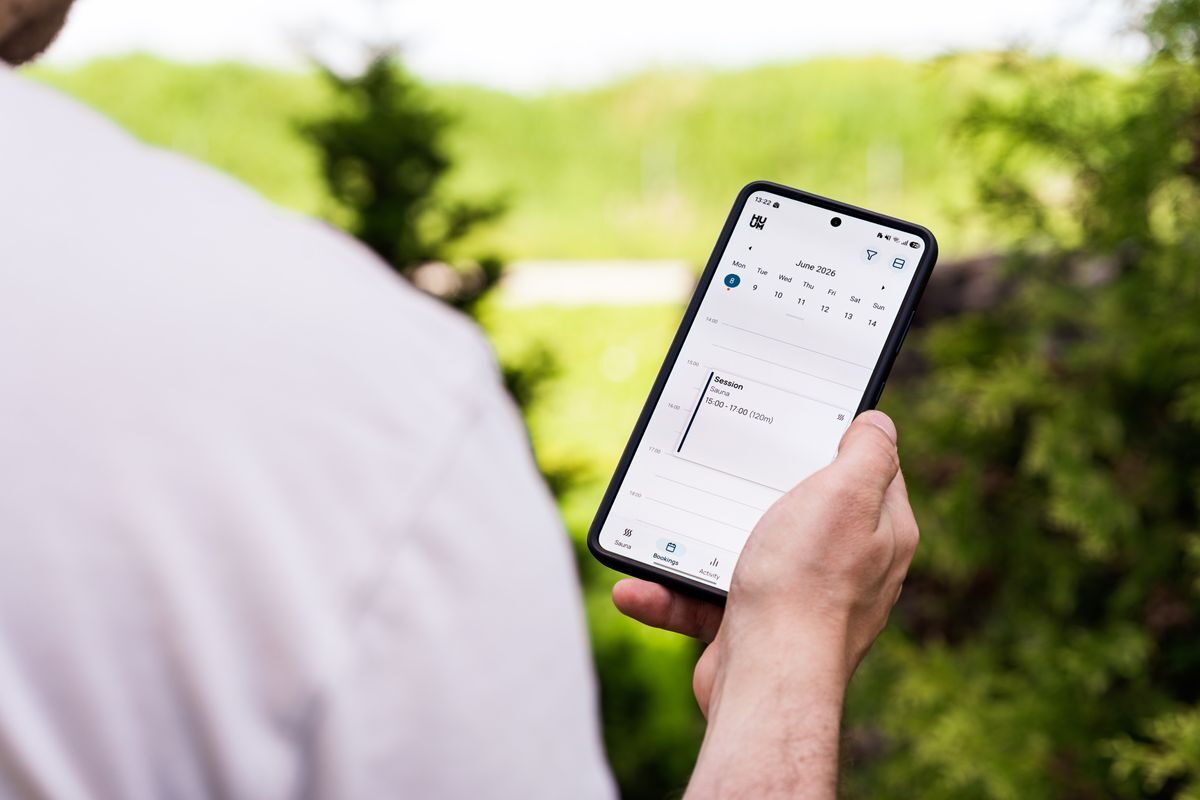
Jotform integrates with Google Calendar, Calendly, and dozens of other scheduling and CRM tools via native integrations and Zapier, so the form submission can automatically create a booking in your existing system. For plumbers who already have a dispatch tool but want smarter front-end intake, Jotform is an ideal add-on rather than a replacement.
Key Features
- Drag-and-drop form builder with 10,000+ templates
- AI Agents for conversational intake and appointment booking
- File and photo upload fields (great for plumbing issue documentation)
- Conditional logic — forms adapt based on customer answers
- Integration with Google Calendar, Calendly, HubSpot, and 100+ tools
- Automated email/SMS notifications upon form submission
- Payment collection via Stripe, PayPal, and Square
- HIPAA-compliant option for any health-adjacent work
Pricing
Jotform has a generous free plan (up to 5 forms, 100 submissions/month). Paid plans start at $34/month (Bronze), $39/month (Silver), and $99/month (Gold). Enterprise pricing is available for larger teams.
3. Jobber — Best for Field Team Scheduling and Client Management
Best for: Plumbing businesses with 2–15 field technicians who need a clean, easy-to-use scheduling and CRM combo without an overwhelming feature set.
Jobber is one of the most beloved tools in the home services space, and for good reason. It hits a sweet spot that many competitors miss: powerful enough to run a real plumbing business, simple enough that your least tech-savvy employee can figure it out in an afternoon. When it comes to AI scheduling for plumbers, Jobber’s automation features are particularly strong on the customer communication side.
The platform offers a client hub where customers can self-schedule, approve quotes, view job history, and pay invoices — all from a branded portal. For plumbing businesses, this self-service capability is a major time-saver. Instead of fielding calls to confirm next Tuesday’s water heater inspection, the customer simply logs in and confirms themselves.
Jobber’s scheduling interface is clean and intuitive. Jobs are created from quotes, assigned to technicians, and mapped for efficient routing. The platform also supports recurring service agreements, which are common for plumbing businesses that offer annual maintenance plans or commercial accounts. Automated follow-up emails after service completion help drive reviews and repeat bookings without any manual effort.
Key Features
- Client self-service portal for booking, approvals, and payments
- Visual scheduling calendar with drag-and-drop assignment
- Automated quote follow-ups and appointment reminders
- Route optimization for multi-stop tech days
- One-click invoice creation from completed jobs
- Recurring job and maintenance plan management
- Two-way text messaging with customers
- Reporting dashboard for job completion, revenue, and tech productivity
Pricing
Jobber’s Core plan starts at $49/month (1 user). The Connect plan is approximately $129/month (up to 5 users), and the Grow plan is around $249/month (up to 15 users). A free 14-day trial is available.
4. ServiceTitan — Best AI Scheduling for Larger or Growing Plumbing Operations
Best for: Established or rapidly scaling plumbing companies (typically 5+ trucks) that need enterprise-grade scheduling, dispatch, and business intelligence.
ServiceTitan is the heavy hitter of the field service software world, and it’s built with serious plumbing businesses in mind. If Housecall Pro is the reliable pickup truck of AI scheduling tools, ServiceTitan is the fleet vehicle with a custom rig — more powerful, more configurable, and built for companies that have outgrown lighter tools.
Its AI scheduling capabilities are genuinely sophisticated. The platform uses machine learning to recommend optimal job assignments based on technician skill sets, location, availability, and even historical performance on similar job types. The “Smart Dispatch” feature surfaces the best-available tech for each call, factoring in real-time traffic and job urgency. For a plumbing company managing commercial accounts, multi-location dispatch, and a significant service agreement base, this level of intelligence pays for itself quickly.
ServiceTitan also offers deep marketing and reporting capabilities that tie directly into scheduling outcomes — you can see which lead sources result in booked jobs, which technicians close the most revenue per visit, and where your schedule has profitable gaps versus unprofitable clustering. That kind of business intelligence is rare in scheduling software and genuinely useful for growth.
The tradeoff is complexity and cost. ServiceTitan requires onboarding, training, and a monthly investment that will feel steep for a small operator. But for the right size plumbing business, it’s the most powerful AI scheduling solution for plumbers on the market.
Key Features
- AI-powered Smart Dispatch with skill and location matching
- Real-time GPS tracking and dynamic schedule adjustment
- Advanced reporting and business intelligence dashboard
- Integrated marketing tools with ROI tracking per campaign
- Pricebook management with flat-rate options
- Customer financing integration
- Technician scorecards and performance analytics
- Multi-location support
Pricing
ServiceTitan does not publish standard pricing — plans are custom-quoted and generally start at around $398/month for smaller teams, with costs rising significantly for larger operations. A demo is required before purchase.
5. Zoho Bookings — Best Budget-Friendly AI Scheduling for Plumbers
Best for: Solo plumbers or very small operations looking for an affordable, flexible scheduling tool that integrates with a broader business management suite.
If you’re a solo operator or a two-person plumbing shop that needs AI scheduling without spending hundreds per month, Zoho Bookings is worth a serious look. It’s the scheduling arm of the Zoho ecosystem — a suite of business tools that includes CRM, invoicing, email marketing, and more — and it offers a surprisingly capable feature set at a fraction of the cost of field-service-specific platforms.
Zoho Bookings lets you set up an online booking page, define your service types and durations, set availability rules, and let customers self-schedule 24/7. Automated confirmations, reminders, and follow-ups are included. The platform syncs with Google Calendar, Zoho CRM, and Zoho Invoice, so a new appointment can automatically create a customer record, trigger a pre-job email sequence, and queue an invoice — all without manual data entry.
For plumbers who are just starting to implement AI scheduling and want to test the concept without a large commitment, Zoho Bookings is an excellent entry point. It won’t replace a full field service platform as you grow, but it’s a smart, affordable start that integrates well as your stack evolves.
Key Features
- Online booking page with branded customization
- Automated email and SMS confirmation and reminders
- Google Calendar, Outlook, and Zoho CRM sync
- Service catalog with duration and buffer time settings
- Payment collection at booking via Stripe and PayPal
- Multi-staff scheduling support
- Rescheduling and cancellation automation
- Reporting on bookings, cancellations, and revenue
Pricing
Zoho Bookings offers a free plan for basic use. The Basic plan starts at $8/staff/month, and the Premium plan is approximately $12/staff/month. Zoho One (the full suite) is available at around $37/user/month.
Quick Comparison Table: AI Scheduling Tools for Plumbers
| Tool | Best For | Starting Price | AI Features | Mobile App | Free Plan/Trial |
|---|---|---|---|---|---|
| Housecall Pro | Small–mid plumbing businesses | $79/month | Dispatch AI, auto follow-ups, reminders | ✅ Excellent | Free trial |
| Jotform | Custom intake & booking forms | Free / $34/month | AI Agents, conditional logic | ✅ Good | Free plan available |
| Jobber | 2–15 tech field teams | $49/month | Auto reminders, route optimization | ✅ Excellent | 14-day free trial |
| ServiceTitan | Larger plumbing operations (5+ trucks) | Custom (~$398+/month) | Smart Dispatch AI, predictive analytics | ✅ Excellent | Demo required |
| Zoho Bookings | Solo plumbers & small shops | Free / $8/staff/month | Auto reminders, CRM sync | ✅ Good | Free plan available |
The Bottom Line
If you’ve been wrestling with missed calls, double-bookings, and the daily chaos of manual scheduling, the case for AI scheduling for plumbers is overwhelming. These tools don’t just make life easier — they directly protect revenue by keeping your technicians in the field and your customers informed.
Our top recommendation is Housecall Pro. It’s purpose-built for home service contractors like plumbers, with the right mix of AI-powered dispatch, customer communication automation, and field-ready mobile tools. For the majority of plumbing businesses — whether you’re a solo operator growing into your first hire or a five-truck shop looking to get your office out of the dark ages — Housecall Pro offers the best combination of features, ease of use, and real-world ROI.
If you need smarter job intake and want to capture richer information from customers before the job begins, pair Housecall Pro with Jotform. Its AI-powered forms and conditional logic mean your technicians arrive at every job knowing exactly what to expect — and that saves time, increases first-visit fix rates, and makes customers happier.
For larger operations that have outgrown both tools, ServiceTitan’s enterprise-grade Smart Dispatch and business intelligence are worth the investment. And for plumbers just starting out on a tight budget, Zoho Bookings and Jobber both offer tremendous value at their respective price points.
The bottom line: scheduling chaos is a choice at this point. The tools exist, they’re affordable, and the payoff in time and revenue is real. Pick one, set it up, and reclaim your calendar.
Frequently Asked Questions
How does AI scheduling for plumbers actually work?
AI scheduling tools for plumbers automate the process of booking, assigning, and managing service appointments. When a customer requests service — online, via your website form, or through a phone call logged in the system — the software analyzes your technicians’ current schedules, locations, skill sets, and job durations to recommend (or automatically assign) the best available tech. The system then sends automated confirmations and reminders to both the customer and the technician, tracks job progress in real time, and adjusts schedules dynamically when jobs run long or customers cancel. Over time, some platforms use machine learning to improve job time estimates and routing efficiency based on your historical data.
Is AI scheduling worth the cost for a one or two-person plumbing business?
Absolutely — in fact, smaller operations often see the fastest payback. When you’re a one- or two-person shop, every hour spent on phone tag, manual scheduling, and chasing confirmations is an hour you’re not billing. Tools like Zoho Bookings (free plan available) or Jotform (free plan) let you implement smart scheduling at essentially no cost. Even a paid entry-level plan at $34–$79/month typically pays for itself in recovered time within the first week. The key benefit for small plumbing businesses is 24/7 online booking — customers can schedule at midnight when you’re asleep, and the job is in your calendar by morning.
Can I use AI scheduling tools alongside my existing software?
Yes — most of the tools reviewed here are designed to integrate with software you may already use. Housecall Pro connects with QuickBooks for accounting. Jotform integrates with hundreds of apps including Google Calendar, Calendly, HubSpot, and Zoho CRM via native integrations and platforms like Zapier. Jobber works alongside QuickBooks Online and Stripe. This means you don’t necessarily have to rip out your existing tools — you can layer AI scheduling on top of what’s already working. Start with whatever is causing your biggest scheduling headache and build from there.
What’s the difference between Housecall Pro and Jobber for a plumbing business?
Both Housecall Pro and Jobber are excellent platforms built for home service contractors, but they have distinct strengths. Housecall Pro leads on AI-powered automation features — its automated review requests, lead follow-up sequences, and HCP Assist workflows go beyond what Jobber offers at comparable price points. Jobber, on the other hand, tends to have a cleaner, more intuitive interface and a slightly lower starting price, which makes it popular with small teams who value simplicity. If automated marketing and AI-driven customer retention are priorities, Housecall Pro is the stronger pick. If you want the most straightforward scheduling and CRM experience with minimal learning curve, Jobber is a worthy contender.
How do I get my technicians to actually use an AI scheduling tool?
Affiliate Disclosure: This article contains affiliate links. If you click a link and make a purchase or sign up for a service, we may earn a commission at no additional cost to you. We only recommend tools we have genuinely researched and believe provide real value to small business owners. Our editorial opinions are independent and are not influenced by affiliate relationships.